
How to name question fields
In FormGenyus, each question title appears in the Summary and Submissions tabs after your form receives responses. Clear titles make it easier to scan answers quickly.
Create question titles
Question titles are automatically generated when you add a question block above an input. You can also use label blocks to define section-specific titles.
- Insert a question + input combination from the add block menu.
- Add a Question block above your input and set the title text.
- Add a Label block above your input when you need a lighter title style.
- Mark the input as required to show the required indicator near the title.
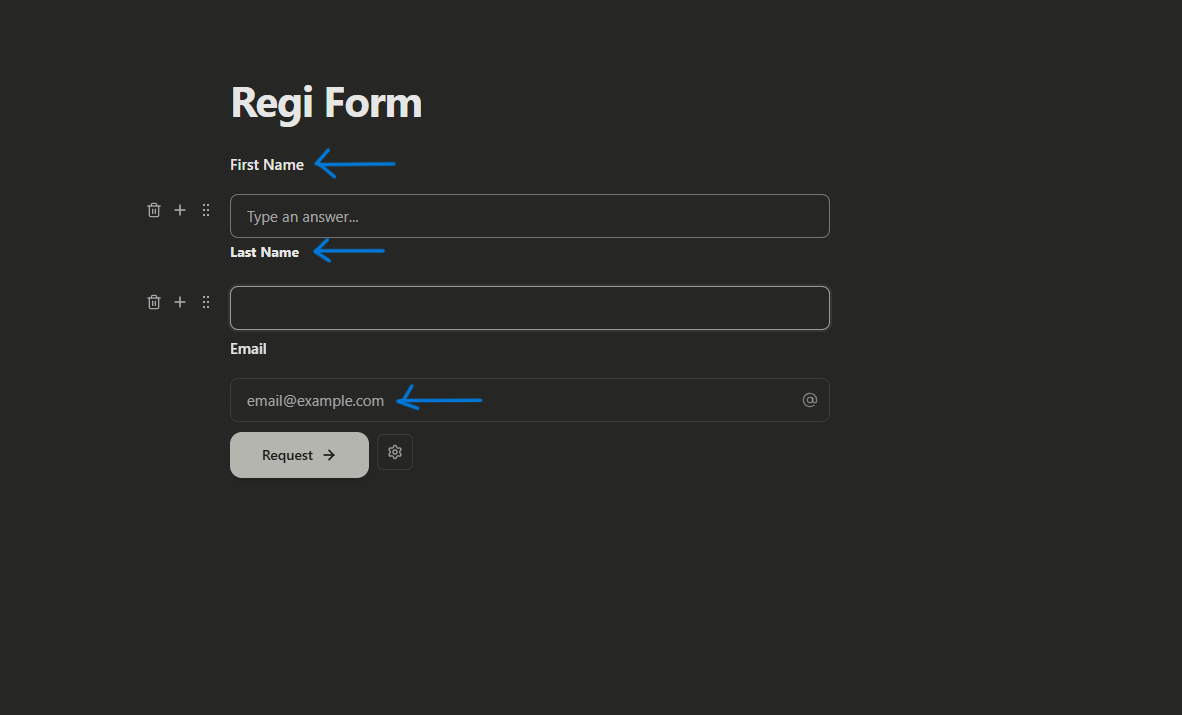
Rename question field names
Field names (keys) are internal identifiers used for integrations, logic references, and structured submission mapping. They are different from the visible question title.
Open the block menu for the input/question and update the field key where needed. Keep keys short and consistent (for example: full_name, closest_office).
You can place text blocks between question titles and inputs without breaking how submissions are grouped in FormGenyus.
Rename question titles
If you don't define a clear question title, your submission table may show a generic label. Update titles to make each column and summary card easier to read.
Click into the question or label block text, edit the wording, and save. Changes are reflected in new submissions immediately.