
Create a multi-page form
In FormGenyus, you can keep everything on one page or split your form into multiple pages using page breaks. Multi-page forms are ideal for intake workflows where you want respondents to focus on one step at a time.
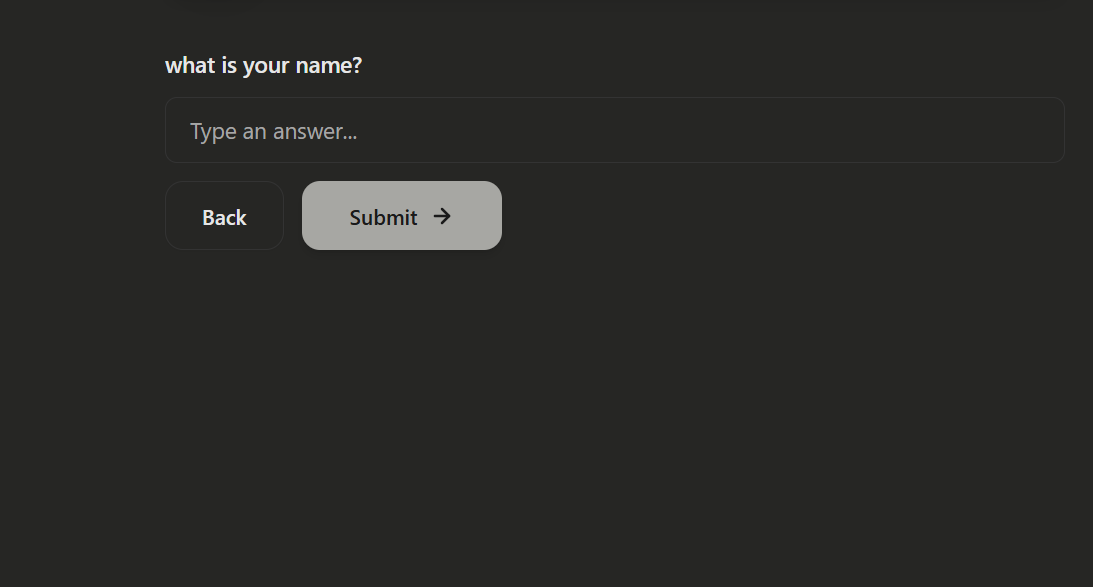
You can add as many pages as needed. There is no fixed limit on how many page breaks you can insert in a form.
What is a multi-page form?
A multi-page form is a form split into steps, where each step contains part of the full questionnaire. Instead of showing every field at once, respondents move page by page using navigation buttons.
For FormGenyus marketplace templates, this structure is especially useful for professional workflows like onboarding, qualification, discovery, and assessment forms.
How to create multiple pages
Open your form in the builder, then insert a New page block where you want the next step to start. In FormGenyus this creates a page-break block and separates the following fields into a new page.
- Add your first group of fields (for example: basic details).
- Insert a New page block from the block insert menu.
- Add the next group of fields below it (for example: goals, context, files).
- Repeat the same pattern for additional pages.