
How to use and create forms
FormGenyus templates are available through the template marketplace. This guide explains how to browse templates, open a template preview, and use a template in your own workspace.
Explore templates in the marketplace
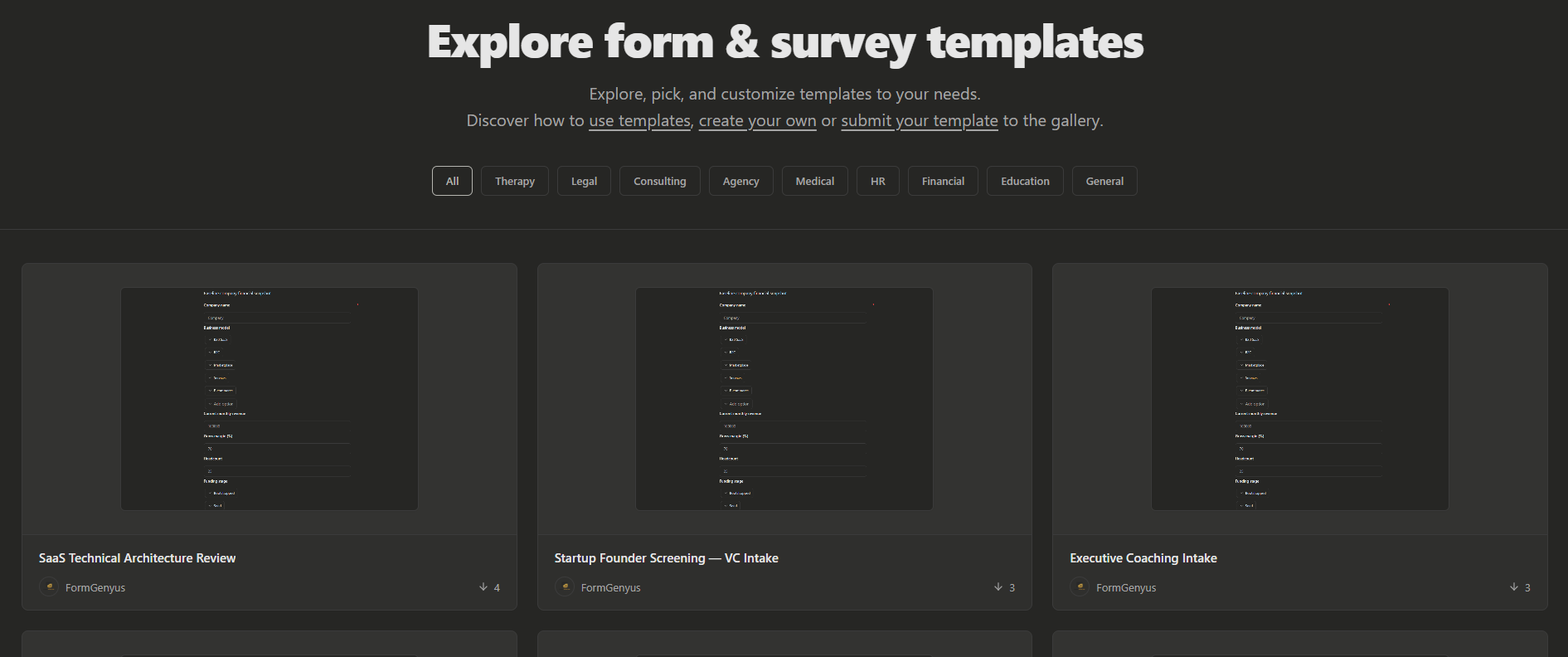
Go to the Templates page to browse ready-made form templates by workflow category. Use filters and previews to find the best starting point for your use case.
- Open the Templates page from your dashboard or public templates route.
- Browse available templates by category and use case.
- Open a template card to review its structure before using it.
Use a template
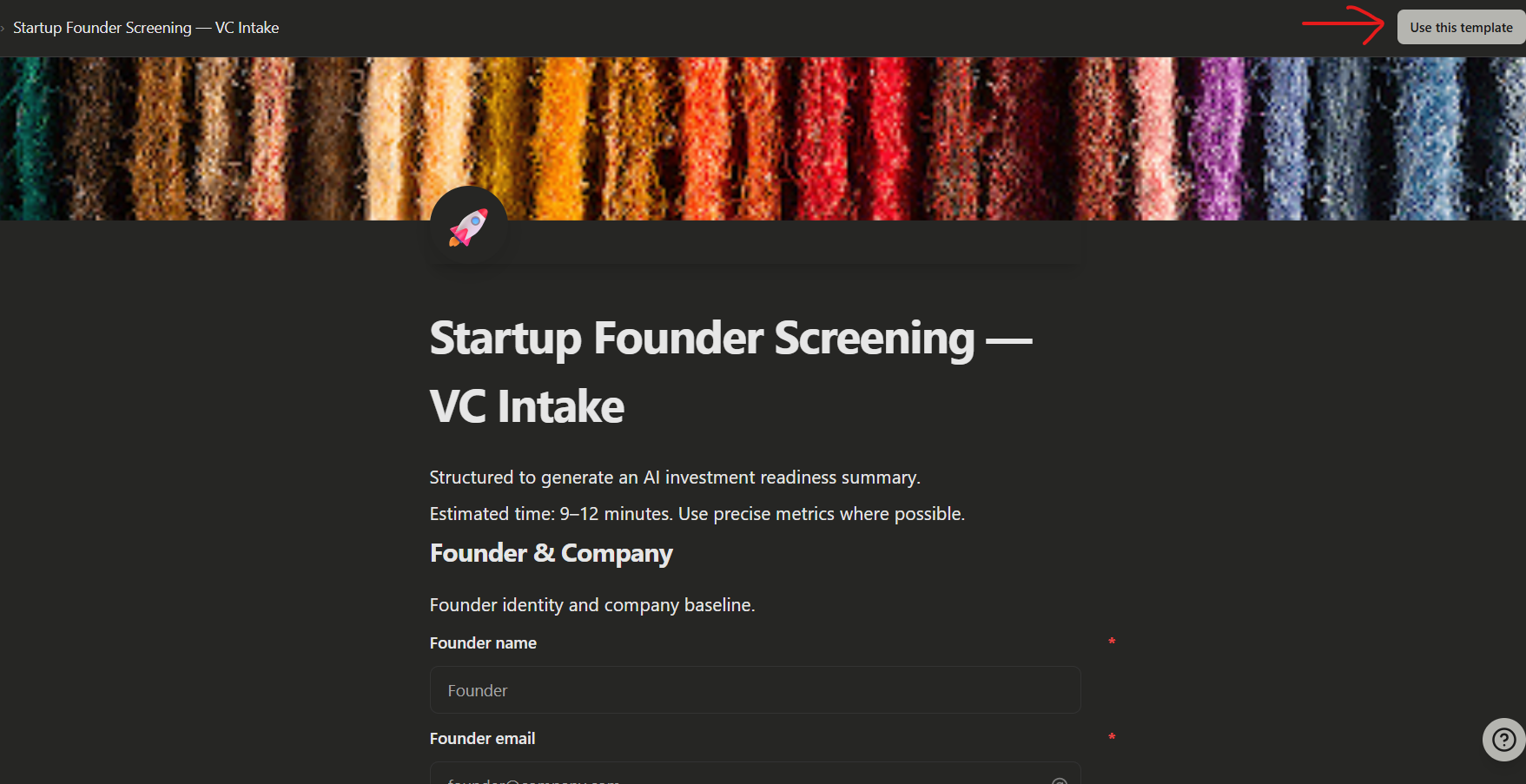
Once you find a template you like, click Use this template. FormGenyus creates a new form in your workspace using that template as the starting structure.
- Open the selected template details page.
- Click Use this template to create your form.
- Customize fields, copy, and settings in the builder.
- Publish and share your form when it is ready.
Important note about templates
FormGenyus currently supports using marketplace templates. There is no public "create and publish your own template" workflow in the help center flow at this time.