Form settings
You can find your form settings in the Settings tab of your published form.
General
Language
Set the default language for system text and validation messages on your public form. This includes button labels, closed-form defaults, and submission feedback text.
AI Summary
Enable AI summaries for this form to generate structured insights from submissions. Users with available AI credits can turn this on and regenerate summaries from the submissions area.
FormGenyus branding
Control whether “Made with FormGenyus” appears on public forms. Free plan users keep branding enabled; paid plans can remove it.
Submissions data retention
Professional plan users can enable retention policy and choose an automatic deletion window for submissions.
Email notifications
Self email notifications
Send a notification email to the form owner whenever a new submission is received.
Respondent email notifications
Pro and Professional plans can send follow-up emails to respondents using a customizable subject and template body.
Notify when AI credits reach 0
Get an owner email when AI summary credits are exhausted so you can take action quickly.
Access
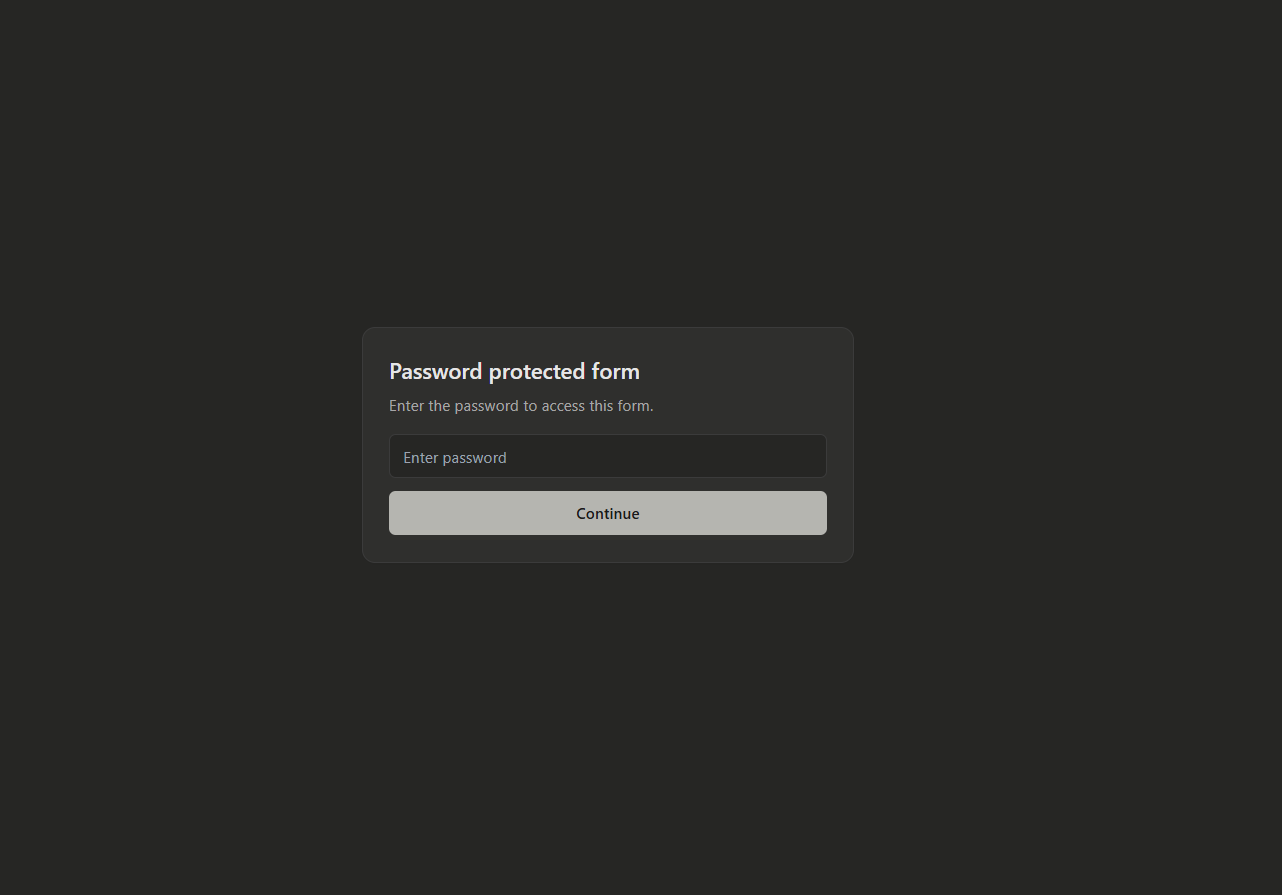
Password protect form
Require respondents to enter a password before they can open and submit your form.
Close form
Manually close your form to stop new submissions immediately.
Close form on a scheduled date
Schedule a specific date and time when the form should automatically stop accepting submissions.
Limit number of submissions
Set a maximum number of total submissions allowed for this form.
Closed form message
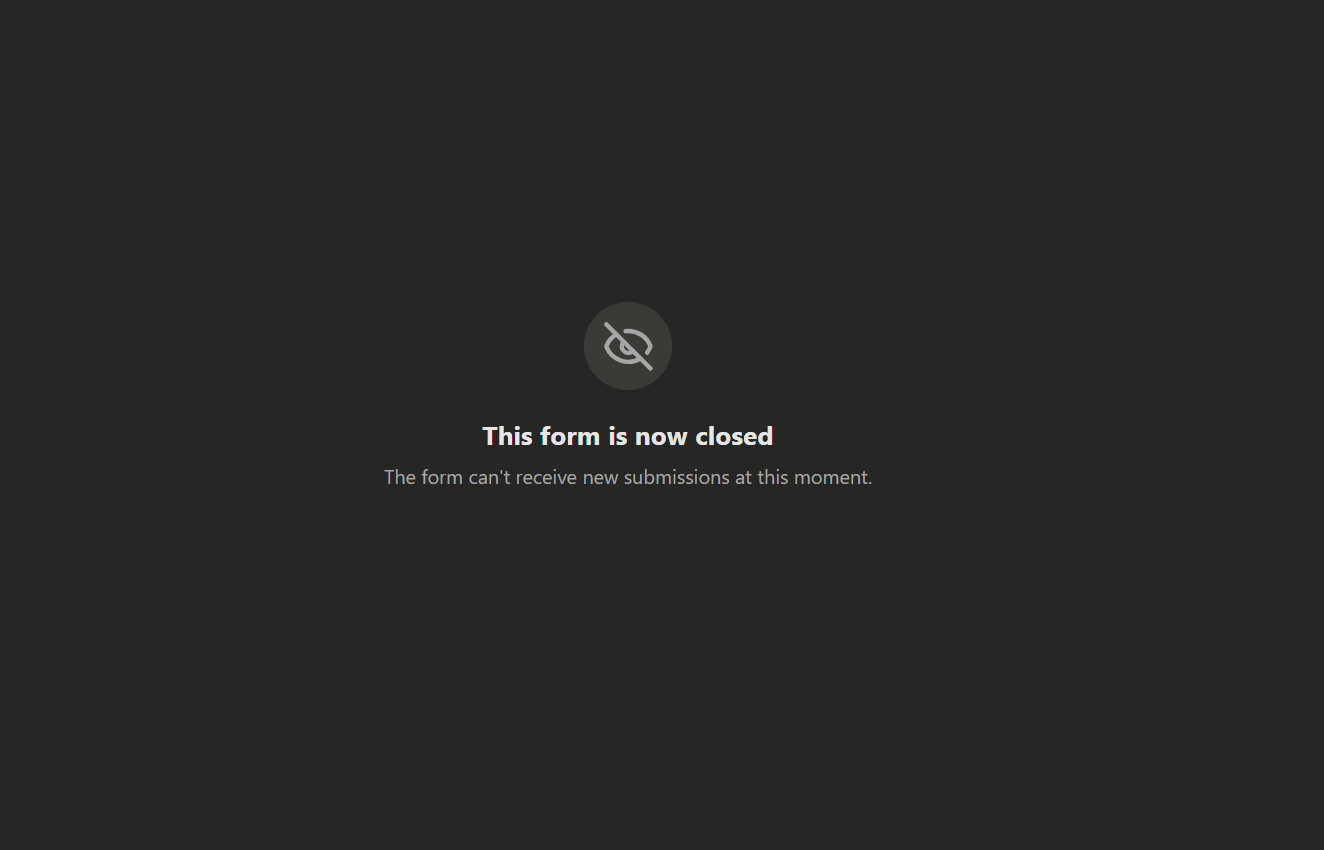
Customize the title and description respondents see when a form is closed. If disabled, default localized closed messages are shown.